Personalize your Codefresh menu
Take control of your account’s menu items. By default, all modules, submodules, and menu items are enabled, but you can easily customize what is displayed in the sidebar.
Simply use the toggle method: switch to ON to display an item and OFF to hide it. Changes apply to all users in the account.
TIP
Remember that as an admin you can view all hidden items in the sidebar by toggling the Show in sidebar option… to ON.
Where and how
- In the Codefresh UI, on the toolbar, click the Settings icon.
- From the sidebar, select Modules.
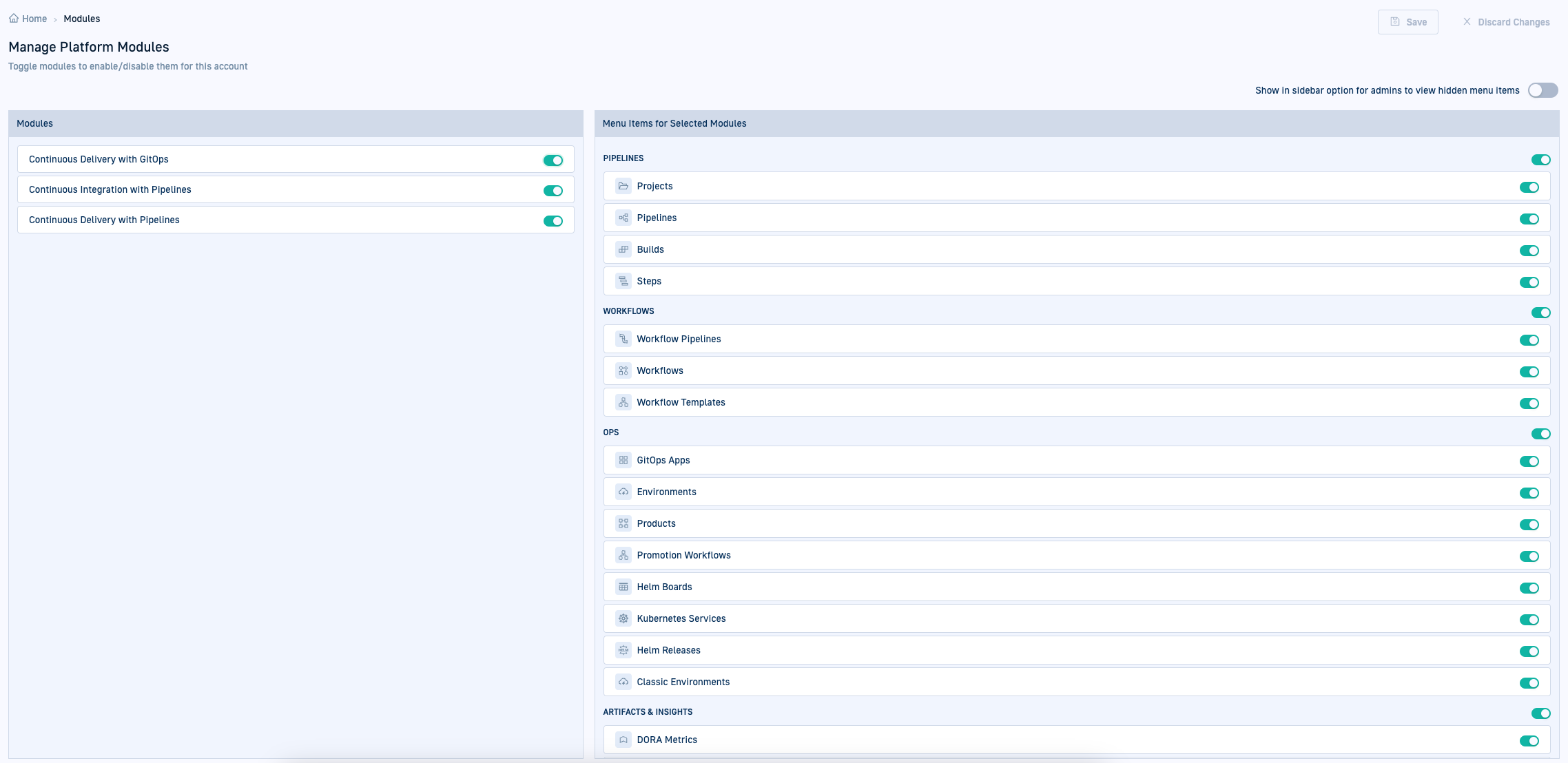
- To hide all submodules and menu items, toggle to OFF the corresponding main module.
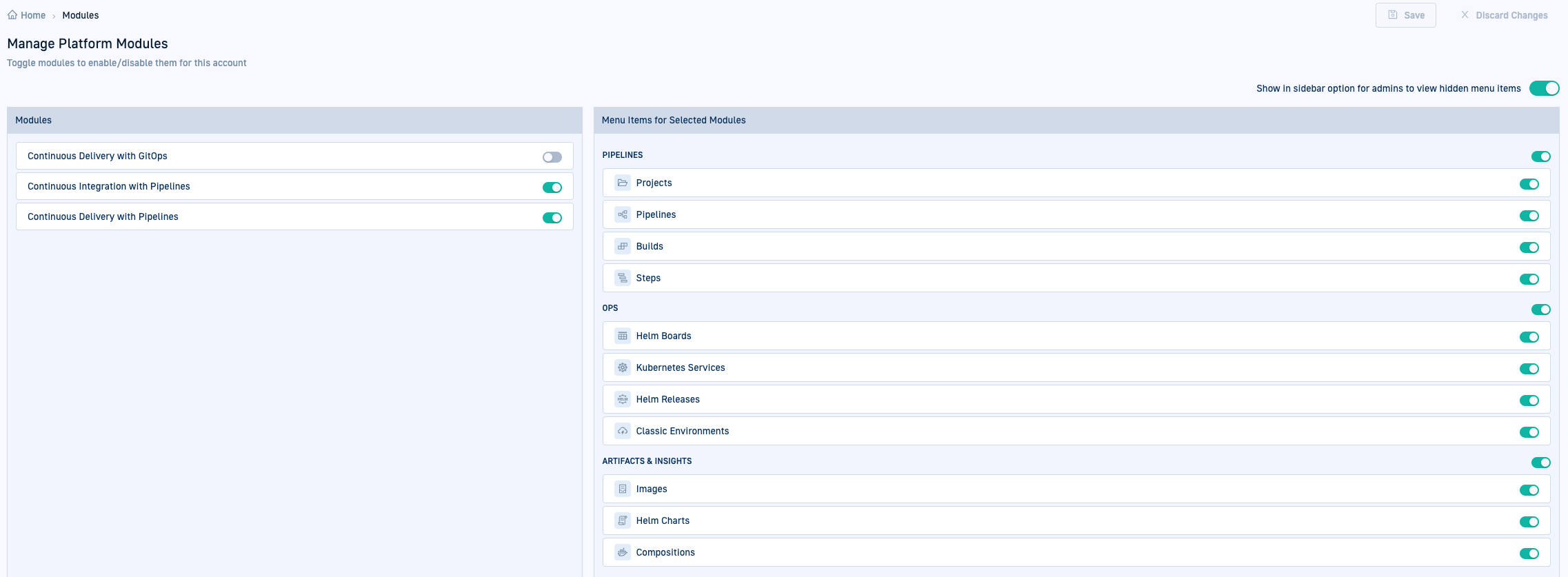
- To hide specific submodules or menu items, toggle to OFF the items you want to hide.
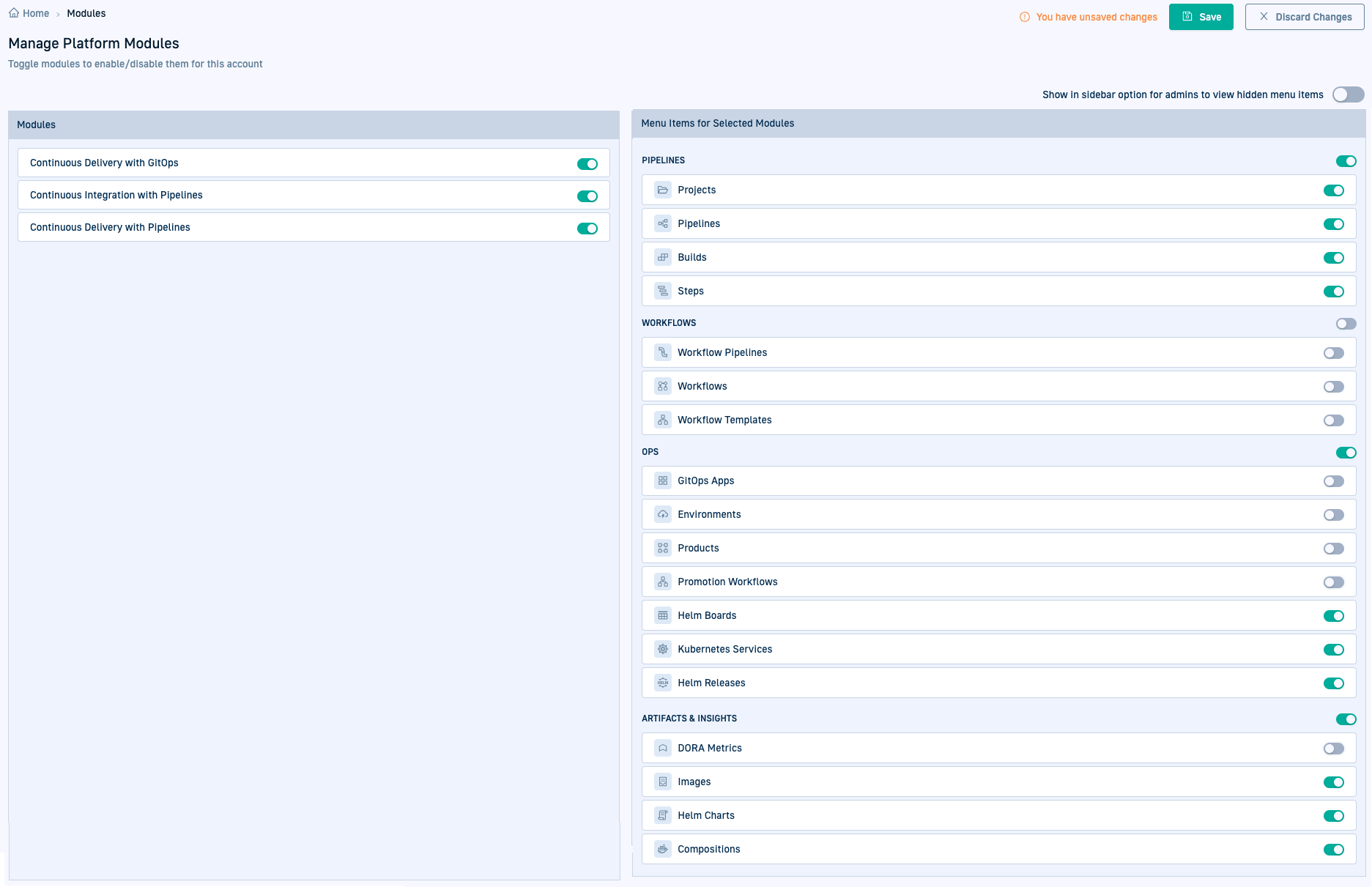
- Save changes.